
Home / Platform
One platform under every module, for every kind of institution.
Schools, Colleges, Universities, Coaching Centres, Corporates and Hospitals all run on the same platform. Each screen speaks the institution's own language and carries its own brand, and the people in it sign in once, with their own role.
One login, one platform
Each kind of institution gets its own guided setup, and nobody gets a half‑built system.
An institution is set up completely in a guided wizard, or not set up at all, so no one starts work in a system that is missing its structure.
- Schools: classes, sections, subjects and subject combinations, class groups, teacher and student allotment, promotion to the next class, subject switches, attendance, homework, exams, report cards, and dashboards for the principal, teachers and students.
- Universities and Colleges: faculties, departments, programmes, semesters, papers, chapters and topics, with curriculum changes approved by the Board of Studies, Academic Council and Executive Council, and governance committees.
- College affiliation, for affiliating Universities: Colleges apply, inspections are carried out, norms are checked, affiliation fees are invoiced, and renewal and withdrawal are managed. A public registry lists affiliated Colleges, with College faculty rosters and a College MIS.
- Coaching Centres: courses, batches, subjects, merit-based batch policies, batch reshuffling, and parent links.
- Corporates: departments, training batches and employee skills.
Each institution has its own name, colours and address on every screen it shows.
White-label on every screen, email, PDF and certificate.
Parents, students and staff see the institution they belong to, not a generic product. The same platform looks like each institution's own system.
- Its own web address: a subdomain, or a path on the institution's own website.
Same screen, three institutions
Sign in once, with your own role, and see only your own screens.
Each person sees only the menus and screens of their own job, and each institution's data stays completely separate from every other institution's.

Sign in, one-time code
Email and password, one-time codes, Google and Microsoft single sign‑on, and two‑factor checks.
People sign in the way their institution has set up. Sensitive actions are confirmed on a device they have registered, with a fingerprint or face unlock, and every person sees only the screens of their own role.
- Two-factor authentication, and sensitive actions confirmed with a registered device.
- Role-based access: each person sees only the menus and screens of their own job.
AI is switched on by the institution, with its own key, and people decide.
AI features run across the modules, but the institution chooses which ones are on, and no important decision about a person is taken by AI alone.
- AI features across the modules: AI Guru, AI-made lessons and videos, marksheet reading, resume parsing, an HR assistant, wellbeing alerts, statement summaries and more.
- The institution brings its own AI key from OpenAI or Anthropic, and switches each AI feature on one by one.
- AI suggests and people decide: no important decision about a person is taken by AI alone.
- Every AI decision is logged and explained.
Families are reached on WhatsApp and email, from the office's own number.
Messages go out from the institution's own WhatsApp Business number, and replies come back to one inbox the office can work from.
Approved templates for each event, consent respected, and one inbox for replies.
Ready-made, approved message templates cover each event, such as a fee due, an absence, results or an interview. Consent and opt‑outs are respected automatically, and parents' replies arrive in one WhatsApp inbox.
- A WhatsApp inbox, so the office can reply to parents in one place.
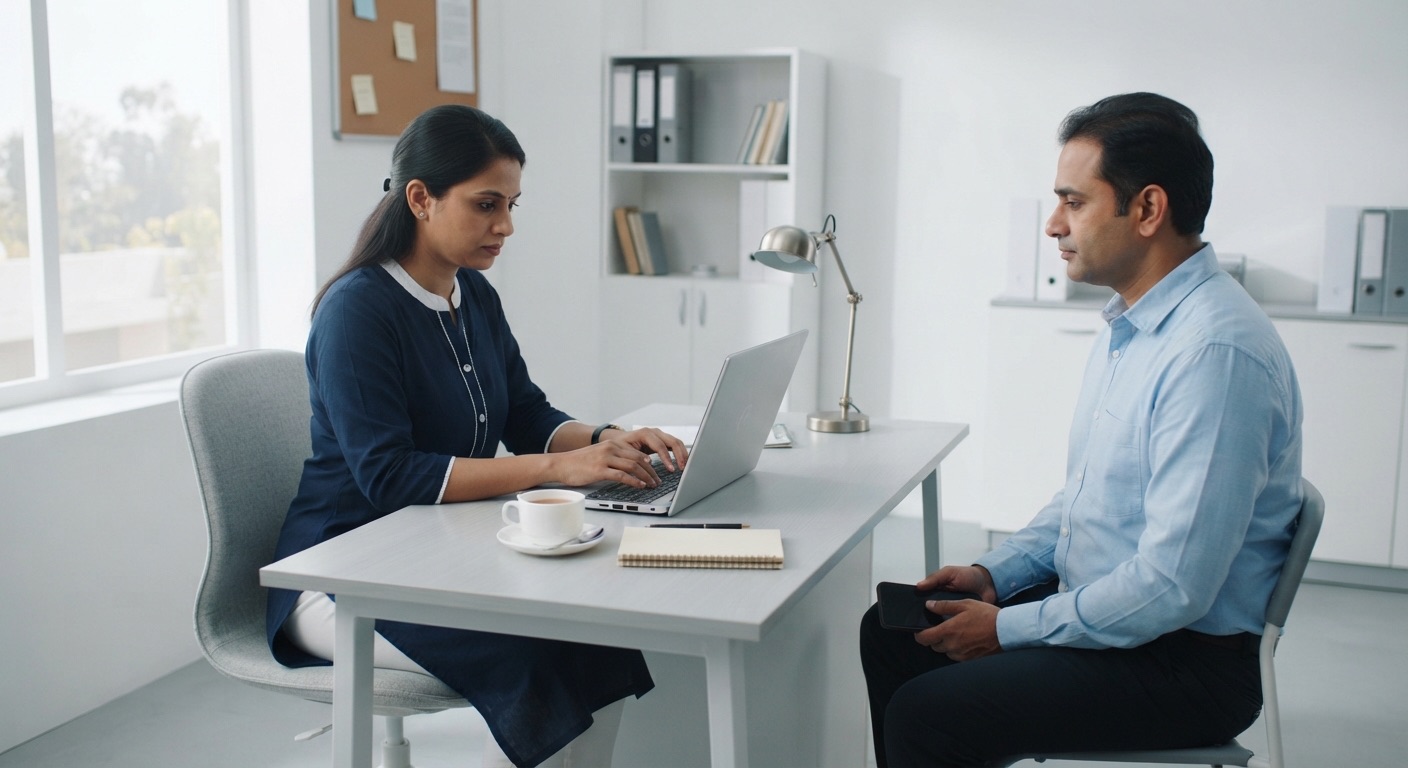
WhatsApp inbox, School office
Built for India first, and set up for other countries by settings, not new programming.
Documents, payments and statutory rules follow each institution's country. India is one country pack among several.

Documents from DigiLocker
DigiLocker, Aadhaar e‑sign, verified bank accounts and online payments on the institution's own account.
Students, parents and staff bring documents from their own DigiLocker, and the issuer's digital signature is checked. Offer letters and documents can be signed with Aadhaar e‑sign or other e‑signatures, and bank accounts are verified before money is paid out.
- DigiLocker: documents brought straight from the owner's DigiLocker, with the issuer's digital signature checked.
- National Academic Depository: marksheets and degrees lodged in the student's DigiLocker.
- Aadhaar e‑sign and other e‑signature methods for documents and offer letters.
- Bank account verification before money is paid out.
- Online payments through Razorpay and Cashfree, on the institution's own account.
Country packs set the documents, tax, reports, currency and time zone for each institution.
Identity documents, tax, statutory reports, addresses, phone numbers, currency and time zone follow the institution's country. Dates follow its own day and time zone, wherever the server is.
- India is one country pack among several, including the UK and the US.
- Dates follow the institution's own day and time zone, wherever its server is.
Country pack, per institution
Privacy, data rights and audits are part of the platform, not an afterthought.
Sensitive records are shown only to those who need them, every look is recorded, and the platform is built for external security audits.
- Personal data encrypted, with sensitive fields shown only to those who need them.
- Every look at a sensitive record recorded: who looked, and when.
- Consent recorded for each purpose, and data-subject rights for access, correction and erasure, with legal hold.
- Retention schedules and secure purge, with a certificate of sanitisation, and a breach register with notification deadlines.
- Built for India's DPDP Act, GDPR and similar laws.
- Built for CERT-In empanelled security audits (VAPT), following OWASP standards.
- Maker-checker approvals for money and sensitive decisions, and a permanent audit trail.
The everyday things that save the office time.
Reports export to Excel and PDF, data comes in from spreadsheets, and every role has its own dashboard.
- Excel and PDF export from every report, and bulk import from spreadsheets.
- A dashboard for every role, with tiles for what needs attention.
- Calendar feeds for timetables, interviews and events, and live video for classes, meetings and consultations.
- Documents with QR verification that anyone can check online.
- Google Classroom and Microsoft Teams connections, and an outward API and webhooks for the institution's own systems.
- Hindi for the learner's LMS journey.
Questions people ask about the Platform.
Can one group run a School, a College and a Coaching Centre in one system?
Yes. A group that runs a School, a College and a Coaching Centre uses one system with one login, and each institution's screens speak its own language.
Can an institution use its own logo and web address?
Yes. Each institution has its own logo, colours, tagline and name on every screen, email, PDF and certificate, and its own web address, either a subdomain or a path on its own website.
Does sign-in support Google and Microsoft?
Yes. Single sign-on works with Google and Microsoft, and sign-in also supports one-time codes and two-factor authentication.
Can the institution use its own AI key?
Yes. The institution brings its own AI key from OpenAI or Anthropic, and each AI feature is switched on one at a time. AI suggests, and people decide.
Do messages go to families on WhatsApp?
Yes. Messages reach families on WhatsApp and email, from the institution's own WhatsApp Business number, using approved templates, with consent and opt‑outs respected automatically.
Does it work outside India?
Yes. Country packs set identity documents, tax, statutory reports, addresses, phone numbers, currency and time zone for each institution. India is one country pack among several, including the UK and the US.