

Home / Modules / Student Engagement
Everything in a student's day outside the marks sheet, in one connected system.
Attendance, timetable, clubs, events, wellbeing, safety, parent communication and campus services. The same module works for Schools, Colleges, Universities and Coaching Centres, and uses the words each one already uses.
Early warning, Class 9B
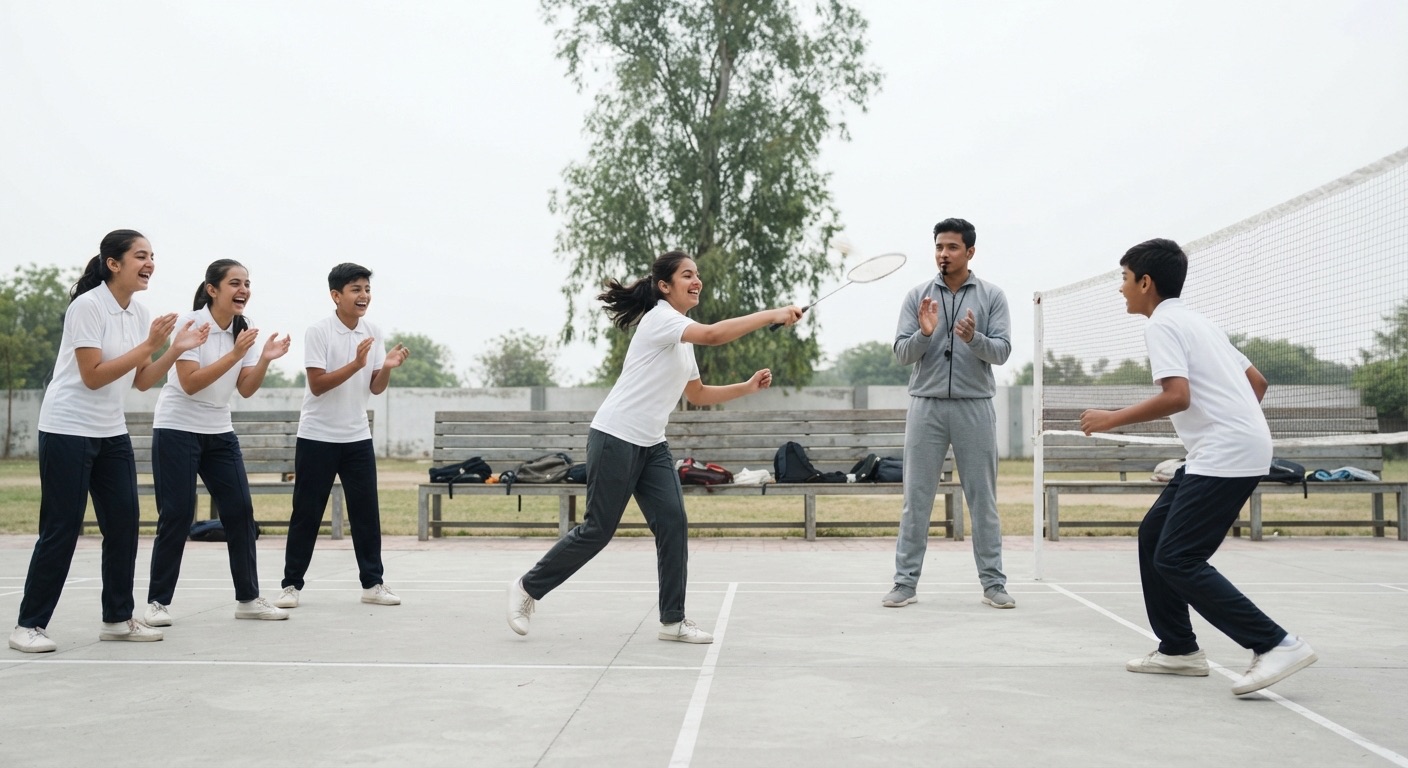
A student's day is all in one place.
The timetable tells a student where to be, attendance is taken in seconds, and a parent hears about an absence the same day. The rest of the day runs through the same record.
Bus
Routes and live location.
Attendance
Taken by period, day or session.
Class
Timetable, cover and elective blocks.
Club
Clubs, sports and events.
Wellbeing check-in
Private, with consent.
Bus home
Parents kept informed.
Student engagement, covered from the first bell to the last bus.
Each part below is one area of the module. Together they keep the day's record in one place, with the same people seeing the same information.
Know who is in class, and hear early when a student is slipping.
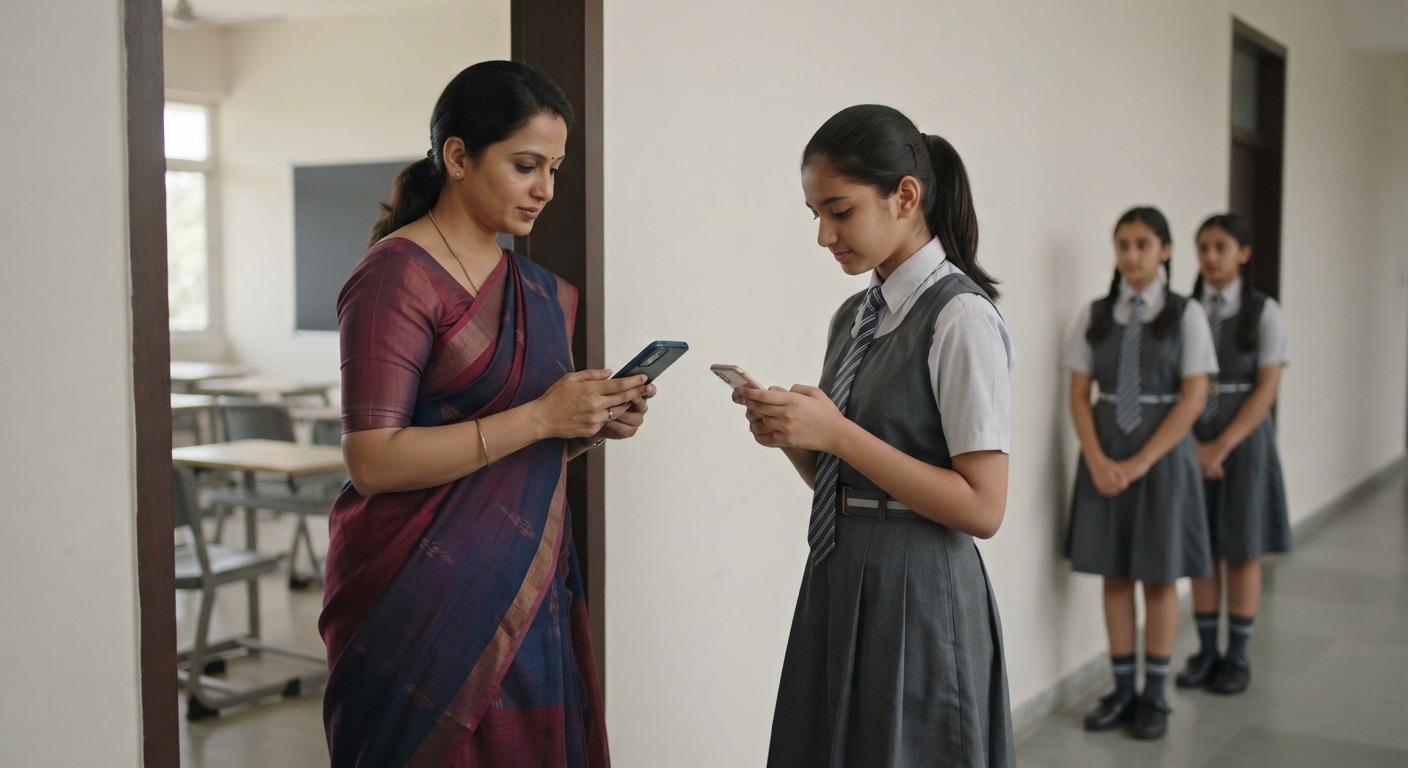
Attendance is taken in seconds, whichever way the institution runs its day. Falling attendance is flagged while there is still time to act, not in the report at the end of term.
- Take attendance by period, by day or by session.
- Stop proxy attendance with a rotating QR code, location checks, device binding, or biometric and face-recognition devices.
- Record late arrivals, and a reason for each absence.
- Parents are told about an absence on WhatsApp.
- Early warning flags students whose attendance is falling before they cross the minimum.
- An attendance ladder with steps such as calling the parent, meeting them, or putting a plan in place, and an intervention plan for each student.
- Leave requests from students, with approval.
Attendance, Class 9B

Cover for Period 3
A timetable that builds itself around teachers, rooms and the rules.
The timetable is built with the constraints the institution already has: teachers, rooms and subject rules. When a teacher is absent, the free teachers are shown and the cover is shared fairly.
- Bell schedules, periods and rotating day cycles.
- Automatic timetable building that respects teachers, rooms and subject rules.
- Elective blocks: one subject from each option line.
- Substitution and cover: see which teachers are free and spread cover duty fairly.
- Room booking and exam seating plans.
Record what happens, and give every student a fair hearing.
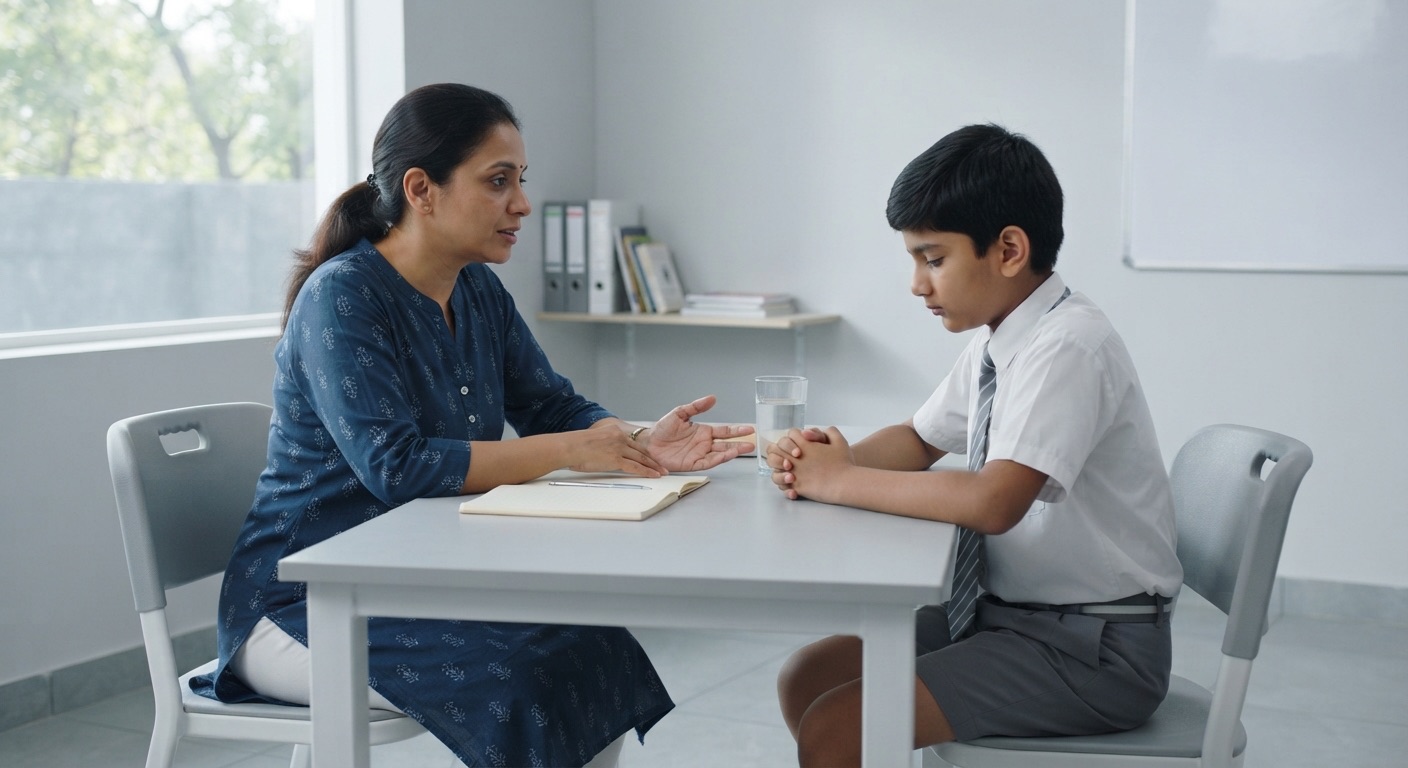
Positive and negative behaviour is recorded against the institution's own points and consequences. A student is heard before any decision is made, and every letter is kept.
- Record positive and negative behaviour, with the institution's own points and consequences.
- Detentions, on-report cards, behaviour plans and intervention tracking.
- One conduct register for sanctions, with the institution's own list of offences and outcomes.
- A hearing where the student is heard before a decision, and an appeal.
- Letters that are properly kept.
Conduct, Class 8

Safety and wellbeing
Make it safe to ask for help, and keep sensitive records private.
Students can raise a worry in the way they find easiest. Counselling, safeguarding and incident records are seen only by the people who must see them, and every look is recorded.
- Safe ways to speak up: a private worry box, anonymous concerns, and "ask for help" buttons.
- Wellbeing check-ins and short surveys, with AI that spots worrying answers and alerts the right person.
- Counselling cases with consent, referrals and confidential notes.
- A safeguarding register visible only to the safeguarding lead, with secure handover when a student moves to another institution.
- Staff clearance: who has the background checks needed to work near children, and when each one runs out.
- Grievance and complaints: anti-ragging for Colleges and Universities, anti-bullying for Schools and Coaching Centres, a POSH committee, and time limits on every complaint.
- An incident register, including incidents the law requires the institution to report.
- An emergency roll-call that shows who is on campus, who is out on a hall pass, and who is missing.
- Hall passes: who has stepped out of class, and for how long.
A health profile that the people who need it can see, and no one else.
Allergies, conditions and medicines are kept on one profile, shown only to those who need them. Clinic visits and medicine permissions reach the parent before anything else happens.
- A student health profile: allergies, conditions and medicines, shown only to those who need it.
- Sick-room and clinic visits, with the parent told.
- Medicine authorisations, signed by the parent.
- Health screenings, such as eyes, height and weight.

Health profile, Class 4

Co-curricular record
Every club, team and trip leaves a record the student can carry with them.
Clubs, teams, trips and service hours are kept as one signed record. The record covers everything outside academics, and a stranger can check it.
- Clubs and societies: register them, renew them each year, assign office-bearers, and manage members and budgets.
- Student council and elections.
- Sports teams, fixtures, results and athletics meets.
- Events and trips, with online parent consent and online payment.
- Community service hours, checked and signed off.
- Badges and achievements, and a digital portfolio of the student's work.
- An official co-curricular record: a signed transcript of everything outside academics, which a stranger can verify.
- Mentoring programmes.
Parents hear what they need, and book the meeting themselves.
Messages reach the right audience, whether that is one class, one bus route or the whole School. Parents book their own meeting slots, and siblings' meetings are placed back to back.
- Messages and circulars to one class, one bus route, or the whole School.
- A weekly digest for parents.
- Parent-teacher meetings: parents book slots, siblings' meetings are placed back to back, and meetings can also happen by video.
- Online forms and consent slips.
- A parent FAQ, with AI answers drawn from the institution's own information.
- Hours when teachers can be reached, so staff are not messaged at midnight.
- Parent events and workshops.

Parent view
Bus route, live
Buses, gates and daily campus life, tracked and accounted for.
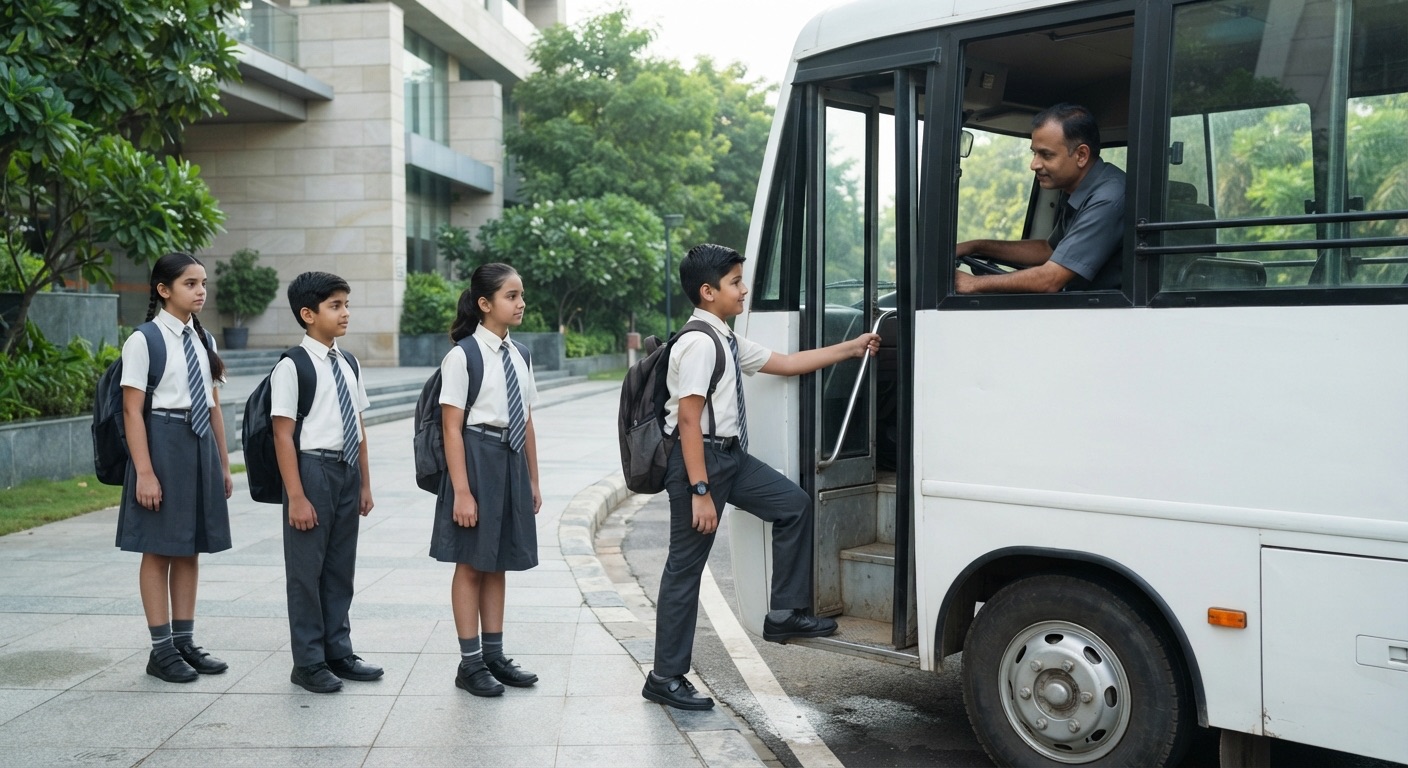
Each bus shows its route, its stops and the students on board, with live location. The front office records visitors and gate passes, and the help desk answers within a set time.
- Transport: routes, stops, students on each bus, and live GPS tracking of buses.
- Canteen and meal schemes.
- ID cards, and the student's digital identity.
- Front office: visitors, gate passes, and who is allowed to pick a child up.
- Lockers, and lost-and-found.
- A help desk with a knowledge base and time limits on answers.
- A student diary.
Hear from students honestly, and show what changed.
Students can say what they think of their teaching and courses without giving their name. The summaries go to the people who can act on them.
- Student feedback on teaching, with anonymous forms and summaries.
- Surveys and course reviews.

Teaching feedback
What sets the module apart from a register of the day.
Each of these is a choice made in the module itself, not a setting an administrator has to find.
- One system for School, College, University and Coaching Centre. It speaks each institution's own language.
- Early warning, not late reports. Falling attendance, worrying answers and risk trends are flagged while there is still time to act.
- Private by design. Health, counselling and safeguarding records are seen only by the people who must see them, and every look is recorded.
- Honest answers. If a register cannot be read in an emergency, the screen says so instead of showing that everyone is safe.
- Works with Google Classroom and Microsoft Teams, with single sign‑on through Google and Microsoft.
Student engagement is connected to the rest of the institution.
The marks sheet, the fee account and the residence sit beside the day's record. These modules are the ones it works with most.
Built for the people who run the day, and the people it affects.
Each role sees the part of the record that belongs to it.
Teachers and faculty
Take attendance, record behaviour, run clubs and meet parents.
You want attendance done in seconds.
Class teachers, mentors and pastoral leads
Look after a group of students and their wellbeing.
You want to see a student slipping before it is too late.
Timetable in-charge
Build the timetable and arrange cover when a teacher is absent.
You want cover arranged fairly, without a phone tree.
Counsellors, the nurse and the safeguarding lead
Handle sensitive and confidential matters.
You want those records kept to the people who must see them.
Front office, transport, canteen and help desk
Run daily campus services.
You want to know who is on the bus and at the gate.
Students and parents
See the timetable, join clubs, raise concerns, and book meetings.
You want to know what is happening without asking.
The principal, dean or director
See risks, attendance trends and compliance at a glance.
You want the position of the whole institution in one view.
Questions people ask about student engagement.
What does the Student Engagement module cover?
Everything in a student's day outside the marks sheet: attendance, timetable and cover, behaviour, wellbeing and safety, health, clubs and co-curricular life, parent communication, campus services and feedback.
Can attendance be taken without proxy entries?
Yes. Attendance can be taken by period, day or session, and proxy attendance can be stopped with a rotating QR code, location checks, device binding, or biometric and face-recognition devices.
Do parents hear when a child is absent?
Yes. Parents are told about an absence on WhatsApp. Students whose attendance is falling are flagged before they cross the minimum, with suggested steps for the class teacher.
Who can see health and counselling records?
Only the people who need them. A student's health profile is shown only to those who need it, and the safeguarding register is visible only to the safeguarding lead. Every look at a sensitive record is recorded.
What happens in an emergency on campus?
An emergency roll-call shows who is on site, who is out on a hall pass, and who is unaccounted for. If a register cannot be read, the screen says so instead of showing that everyone is safe.
Does it work with Google Classroom and Microsoft Teams?
Yes. The module works with Google Classroom and Microsoft Teams, and staff and students can sign in with single sign‑on through Google and Microsoft.